Blog
Control HiFiBerry with AI: WebMCP and HiFiBerryOS NG
We’re big fans of AI tools here at HiFiBerry, and we use them every day in development. So when we built HiFiBerryOS NG, it was natural to think: could we let AI tools control it too?
It turns out: yes! And it works really well.
What is MCP?
MCP (Model Context Protocol) is an open standard that lets AI assistants connect to external tools and services. Instead of just answering questions from memory, an AI with MCP can actually do things — search the web, read files, call APIs, and yes, control your music player.
WebMCP: MCP Over HTTP
WebMCP is a transport layer for MCP that works over HTTP. This means your AI assistant can connect to any device on your network — like a HiFiBerry running HiFiBerryOS NG — without needing a local plugin or sidecar process. You just give it the URL, and it’s ready to go.
The HiFiBerryOS NG WebMCP Connector
HiFiBerryOS NG includes a built-in WebMCP connector that exposes the AudioControl REST API as MCP tools. Your AI assistant gets access to:
- Playback controls (play, pause, stop, skip)
- Queue management (add tracks, clear queue)
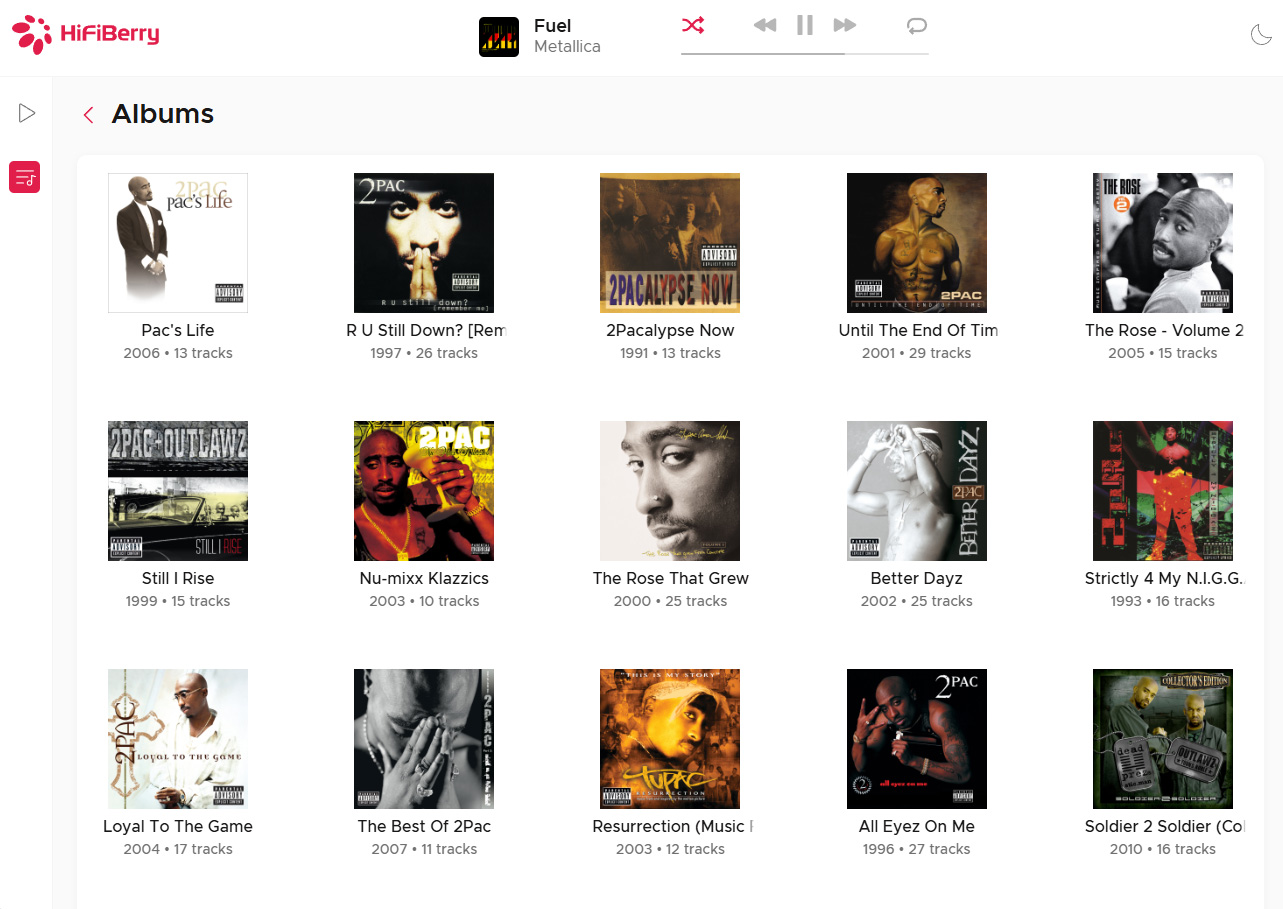
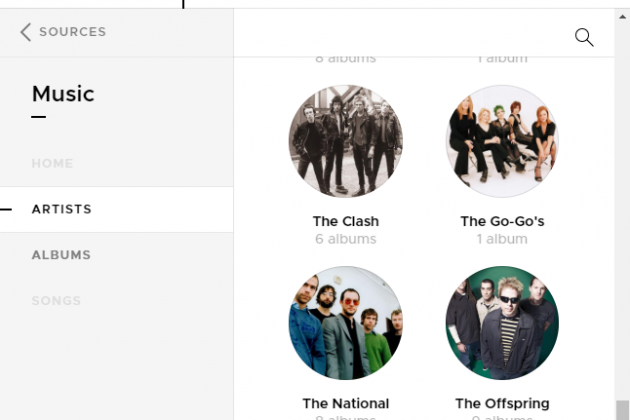
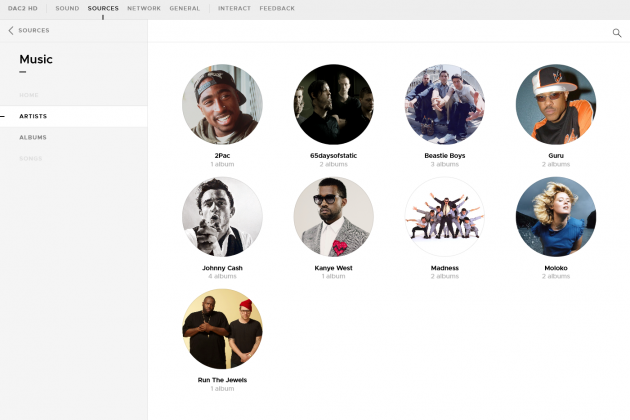
- Library browsing (artists, albums, genres)
- Genre configuration and mapping
This means you can ask your AI: “Play some jazz,” and it will browse your library, find suitable tracks, and start playing. No wake words, no fixed commands — just a conversation.
Note: This requires a local music library. The HiFiBerry WebMCP connector works with the tracks on your device or NAS. It cannot browse streaming services, because it needs to know your full library to make good recommendations.
Setting It Up
The connector is built into HiFiBerryOS NG — nothing to install on the HiFiBerry side. You just need to configure your AI tool to connect to it.
Claude Code (CLI)
Add this to your .mcp.json file:
{
  "mcpServers": {
    "hifiberry": {
      "type": "http",
      "url": "http://<your-hifiberry-ip>/api/acr-webmcp/mcp"
    }
  }
}
Claude Desktop (macOS / Windows)
Open Settings → Developer → Edit Config, and add:
{
  "mcpServers": {
    "hifiberry": {
      "type": "streamable-http",
      "url": "http://<your-hifiberry-ip>/api/acr-webmcp/mcp"
    }
  }
}
OpenClaw — if you’re really into experiments, we’re too scared to try
OpenClaw is a self-hosted AI agent runner that supports MCP via the MCPorter skill. It can run autonomously in the background, which is powerful — but also a bit wild.
Be aware that OpenClaw does things without asking you! Make sure to run your library in read-only mode. You don’t want to find out that OpenClaw didn’t like your music and decided it had to go.
You Are in the Driving Seat
This is not some anonymous algorithm that recommends you something to keep you listening, or pushes cheap AI-generated music to increase streaming profits. The AI here works for you, with your library, following your instructions. It has no agenda. It doesn’t know what’s popular or profitable. It only knows what you’ve told it and what’s in your collection.
You are in the driving seat.
March 6, 2026