Blog
Do You Really Need 8GB of RAM? Why Your Next Project Might Run Fine on a Pi 3
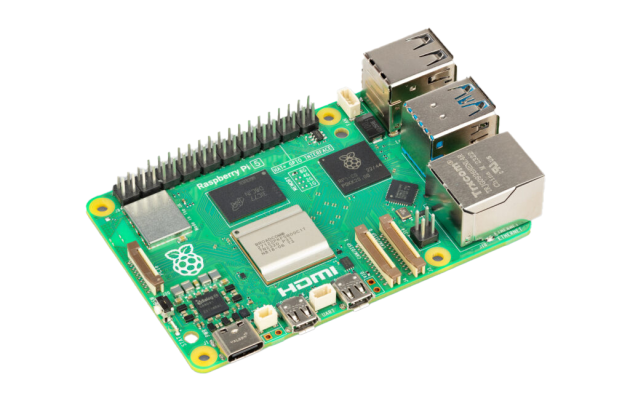
Raspberry Pi 5 with 8GB of RAM is a powerful little machine. It’s also getting more expensive. Global RAM prices are climbing — some forecasts predict another 15–20% increase in 2026 — and that cost gets passed straight through to board pricing.
If you’re building commercial products or deploying fleets of devices, this matters. Every euro per unit adds up fast across hundreds of installations. The good news: most embedded audio and IoT projects don’t need 8GB. Many don’t even need 4GB. Here’s how to figure out what you actually need — and how to keep costs down.
Check your actual usage
Before specifying hardware, measure. Run your application stack on a Pi and check htop or free -h. You’ll likely find that a headless audio streamer, a sensor gateway, or a digital signage player uses 200–400MB of RAM. Even with a full Linux userspace running, you’re nowhere near 1GB.
CPU tells a similar story. Audio streaming, GPIO control, and lightweight web servers barely register on a quad-core processor. If your application doesn’t do heavy computation, video transcoding, or run a desktop environment, you’re paying for capacity you’ll never touch.
Strip it down
A minimal Linux installation makes a dramatic difference. Disable the GUI — if your device has no display, there’s no reason to run a window manager. Use a purpose-built OS image or strip down Raspberry Pi OS Lite. Disable unnecessary services, remove unused packages, and configure your application to start directly.
A well-optimised headless system can idle at under 100MB of RAM. That leaves plenty of headroom for your actual workload on even a 512MB or 1GB board.
Consider the Pi 3
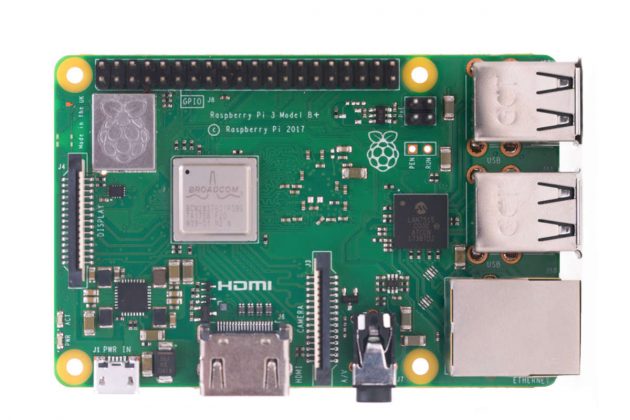
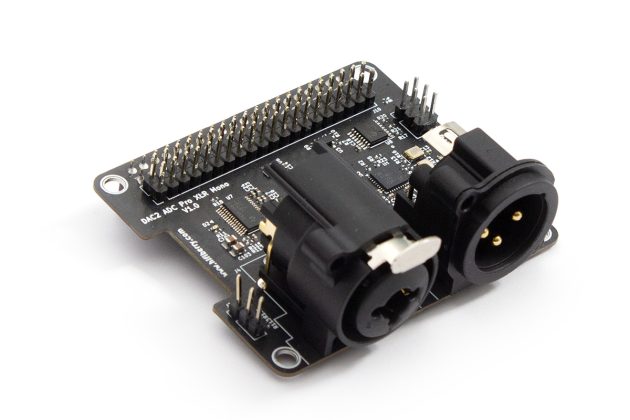
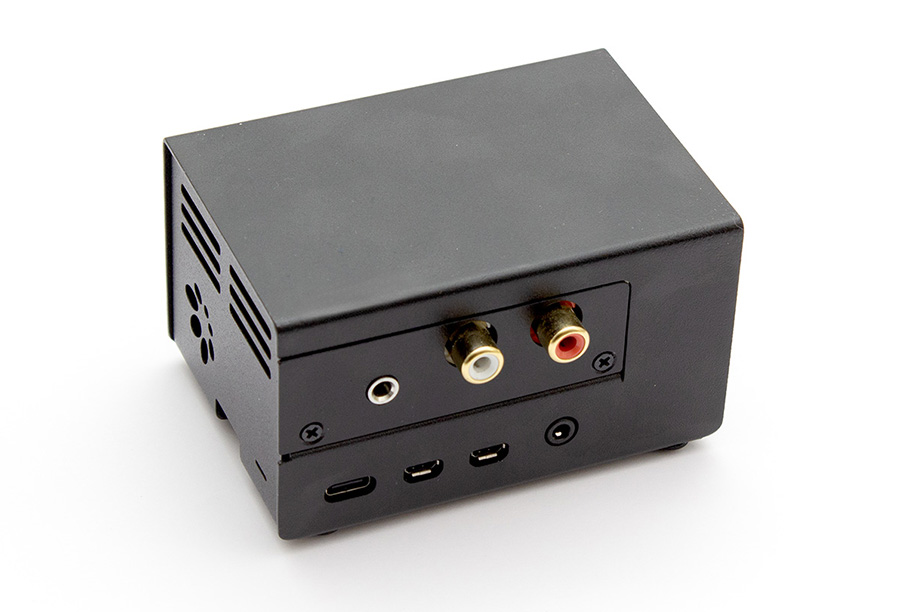
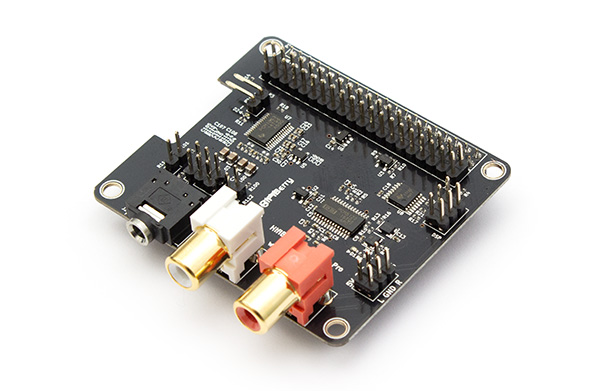
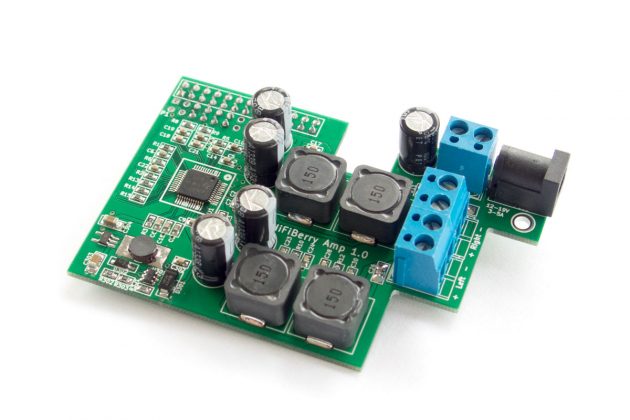
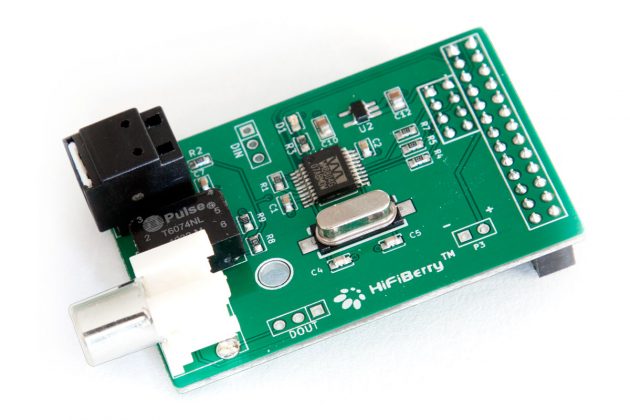
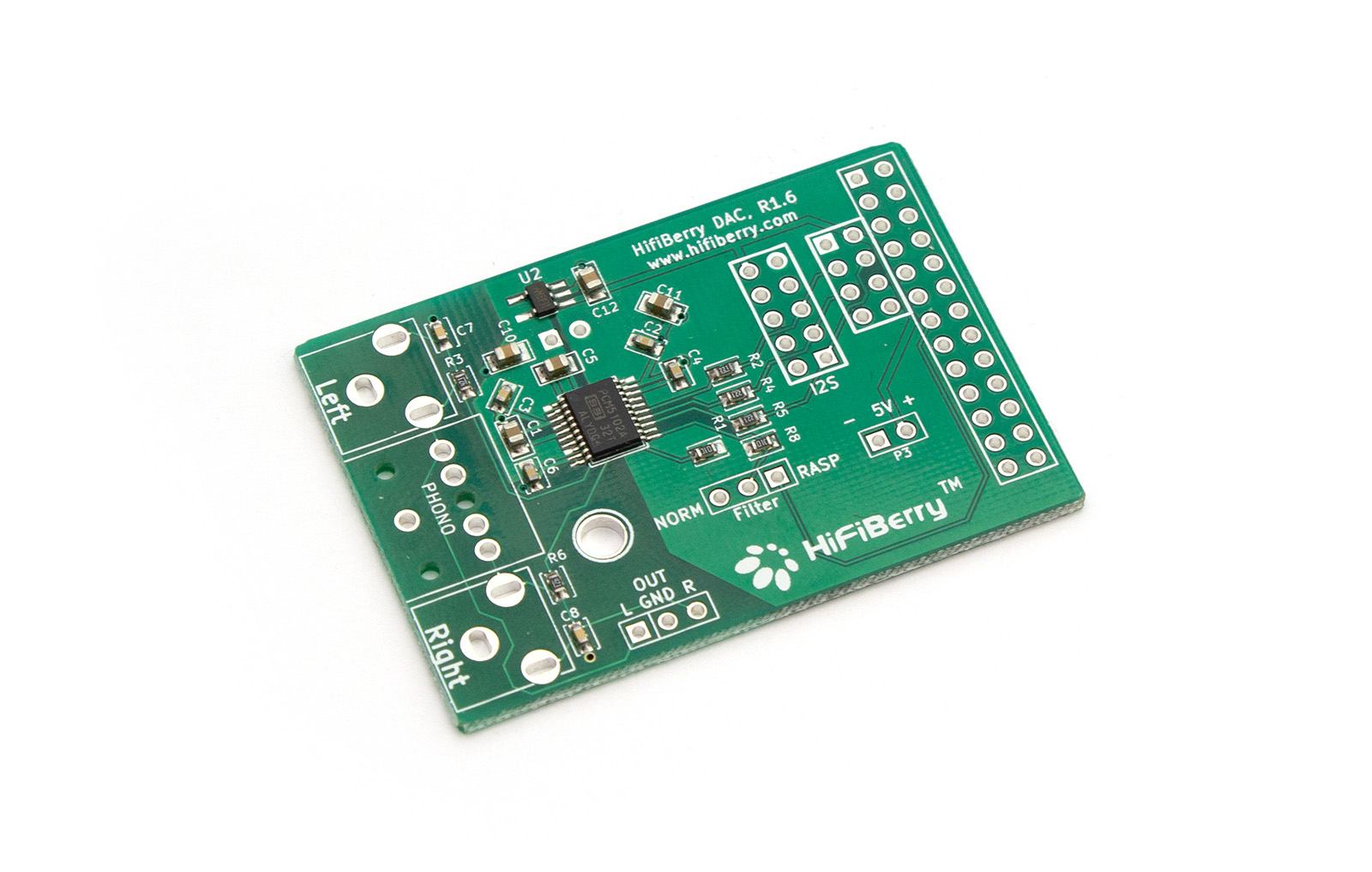
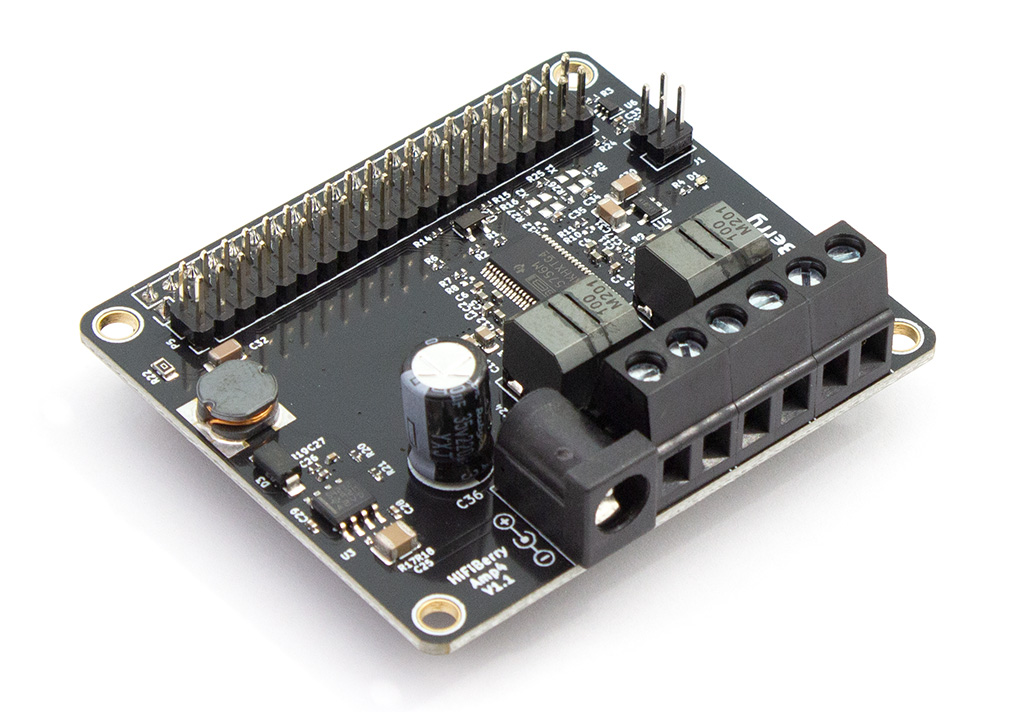
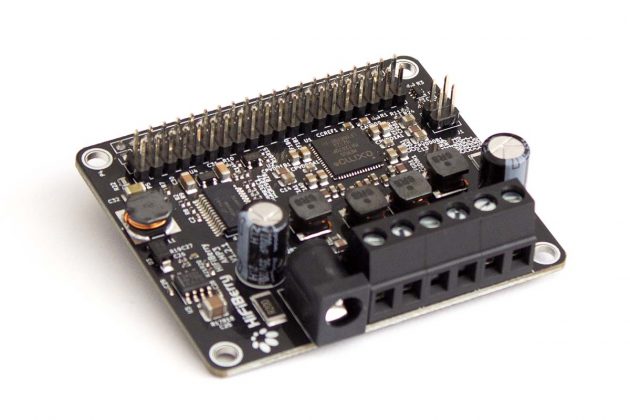
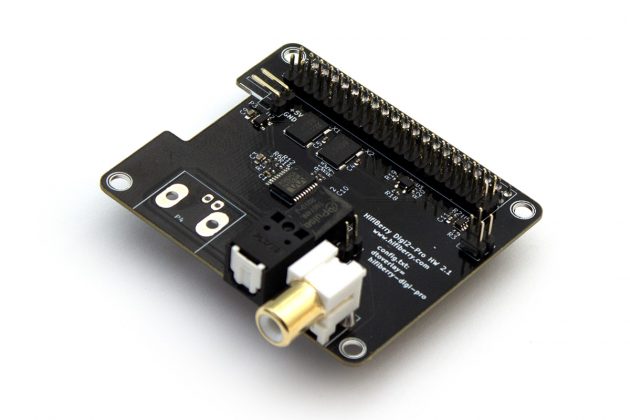
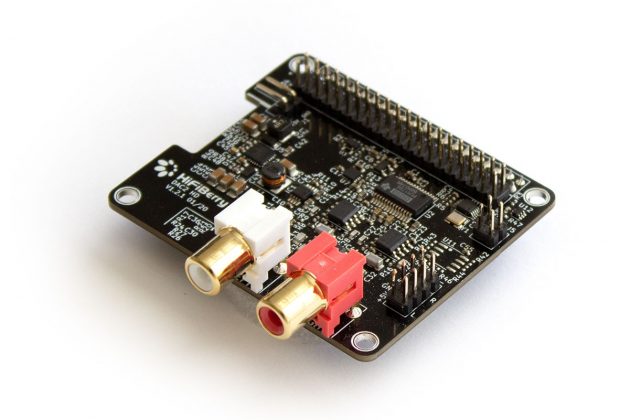
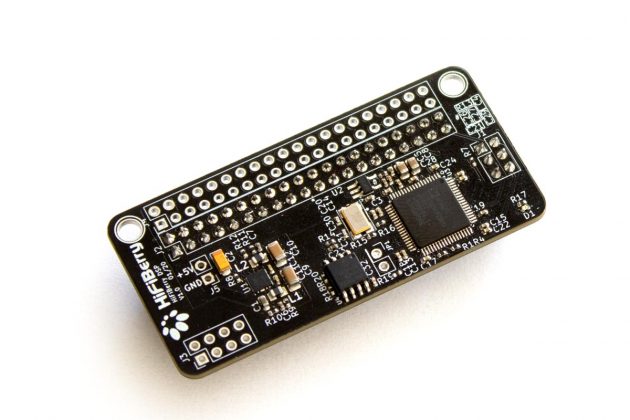
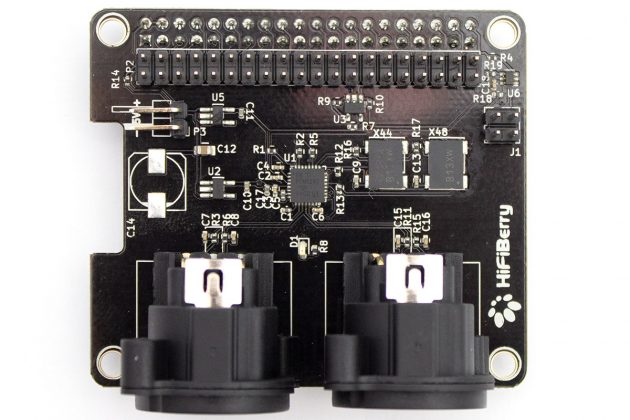
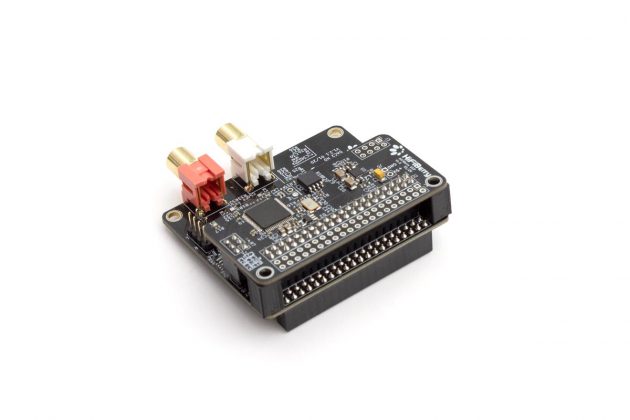
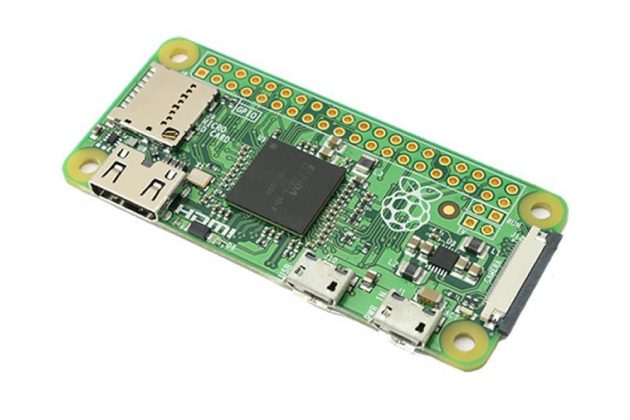
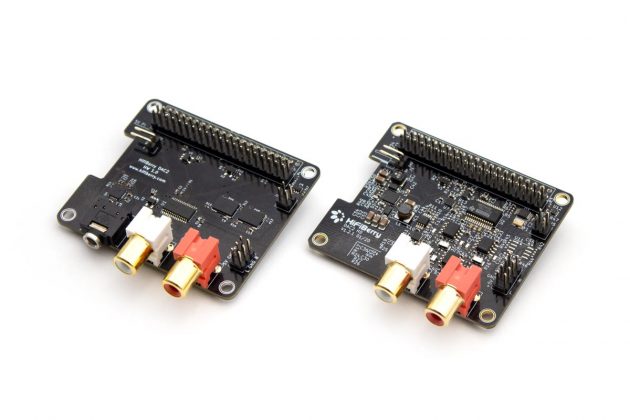
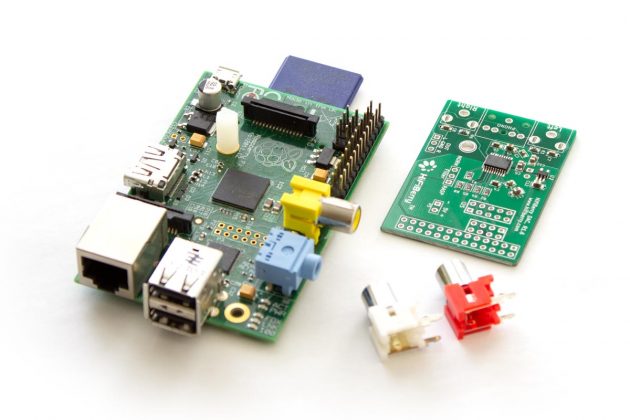
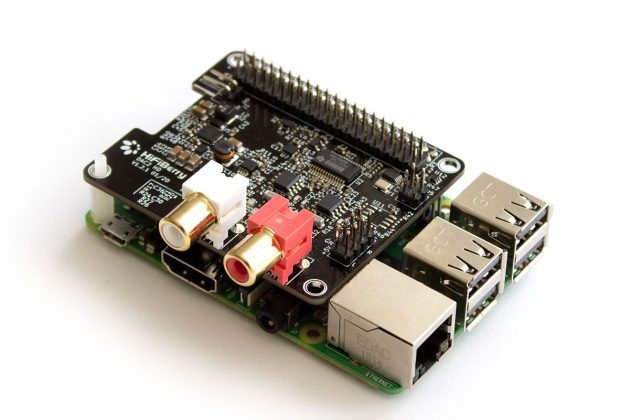
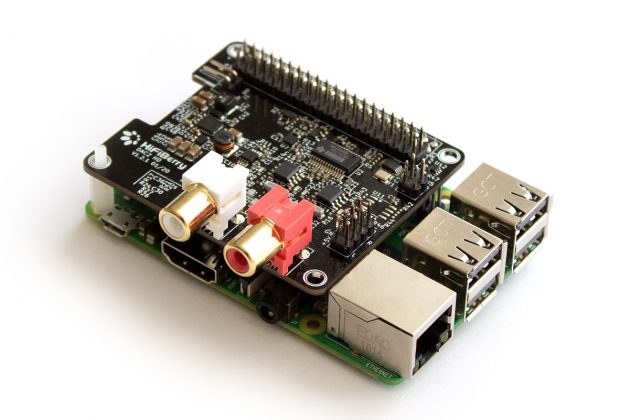
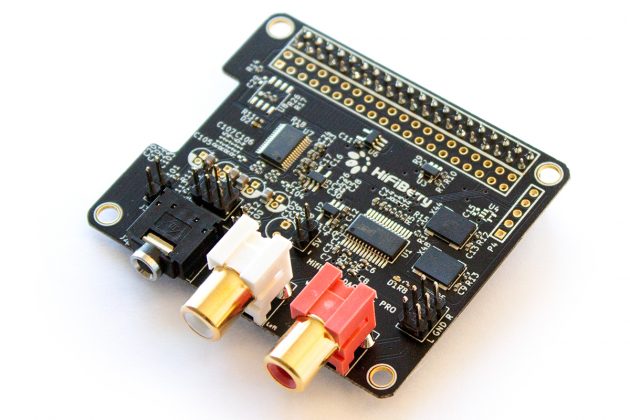
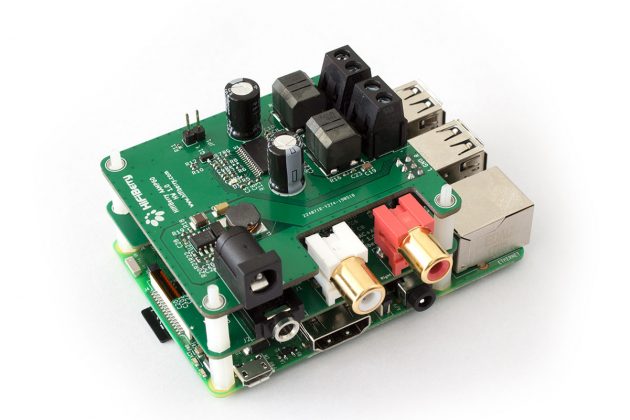
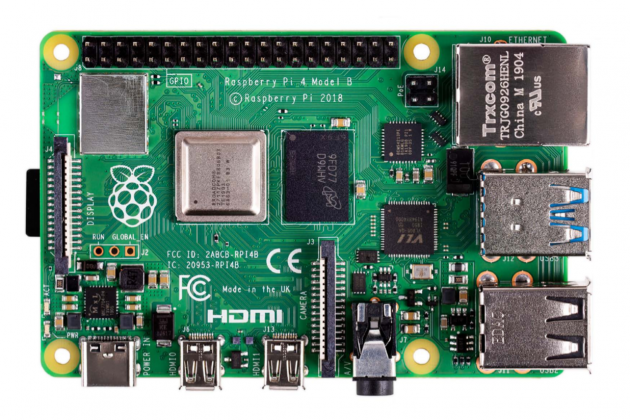
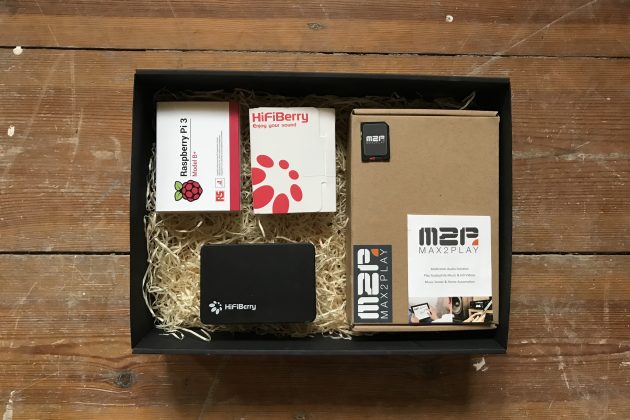
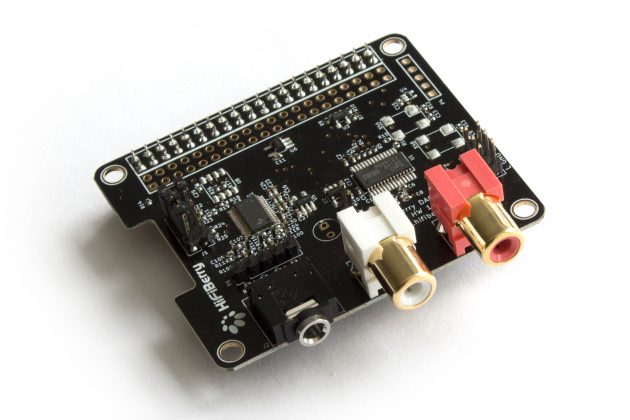
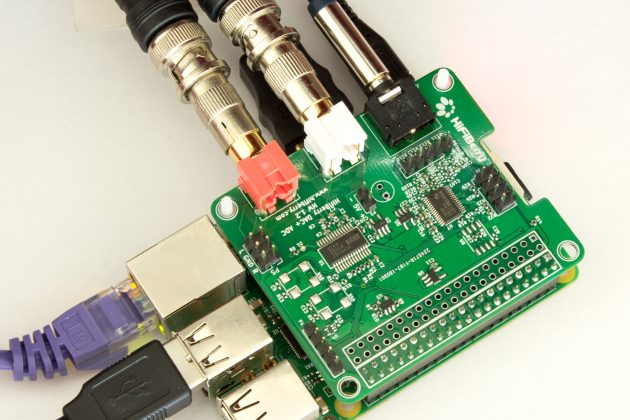
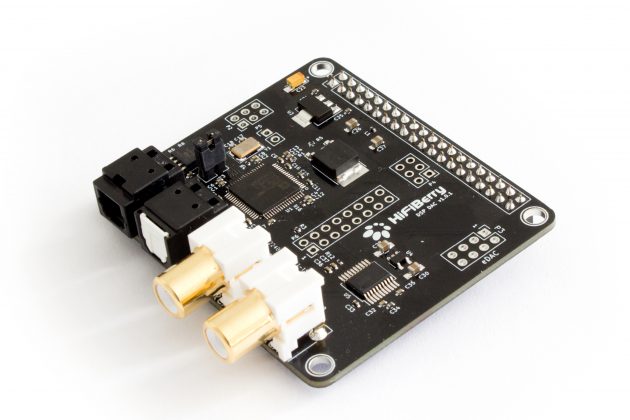
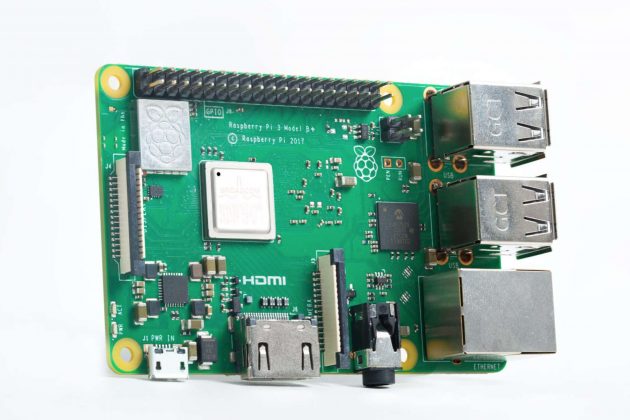
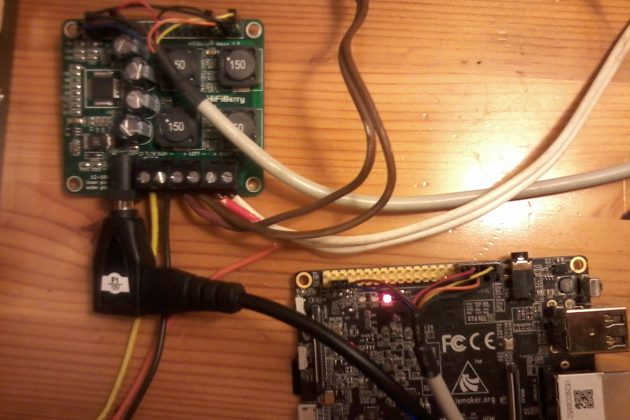
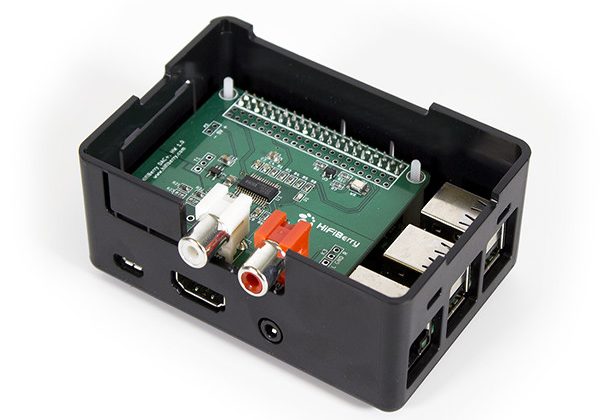
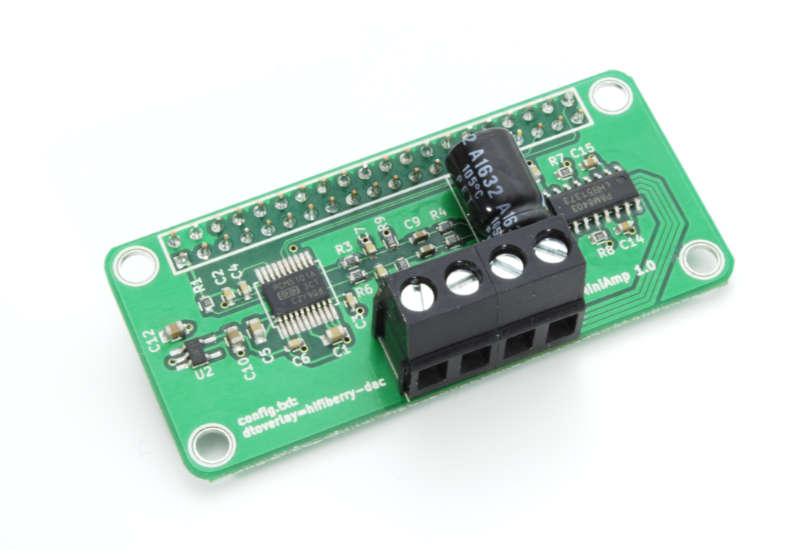
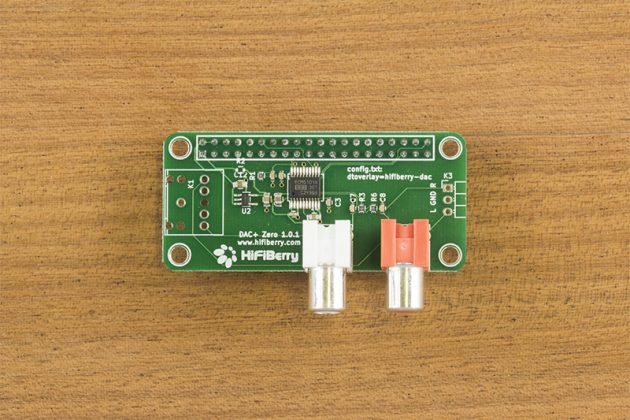
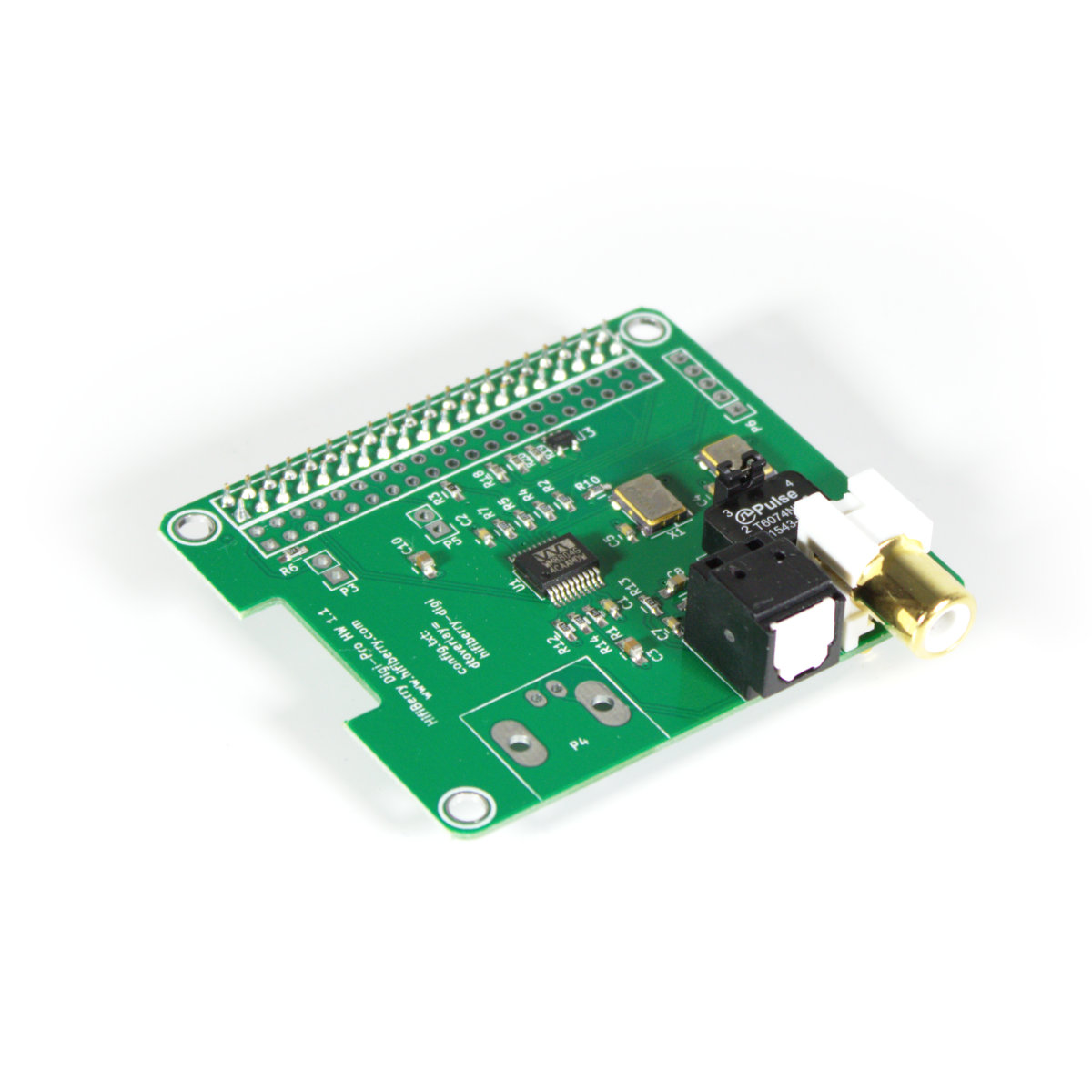
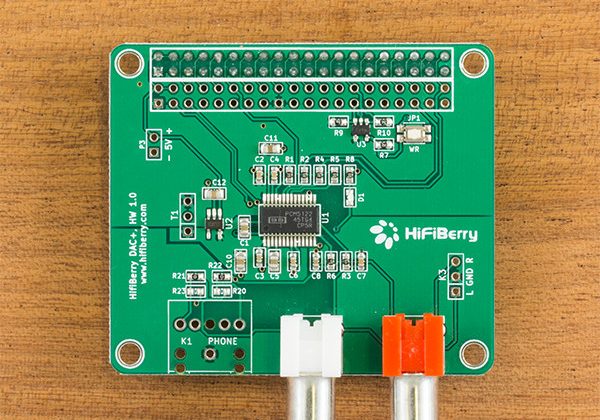
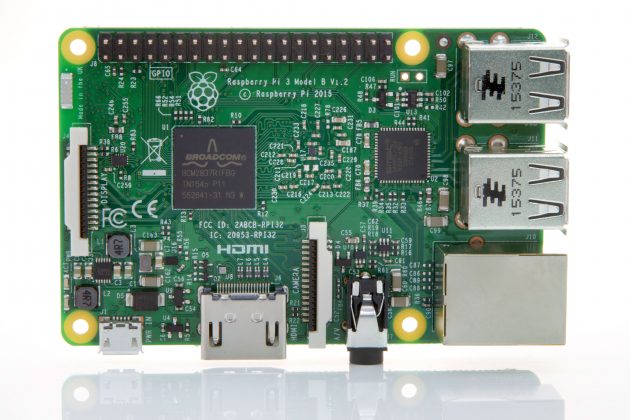
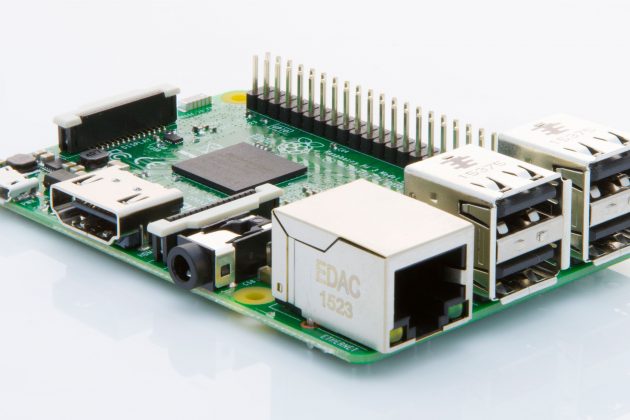
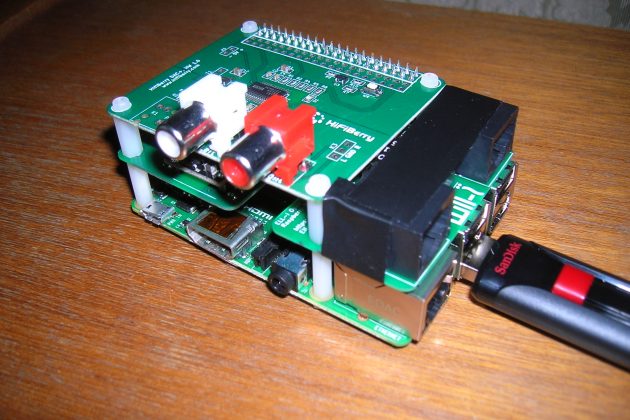
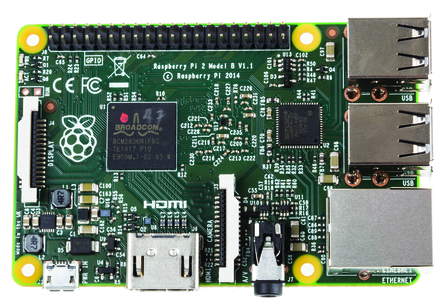
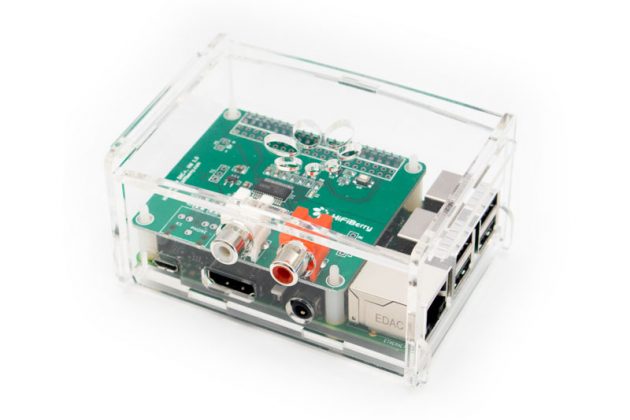
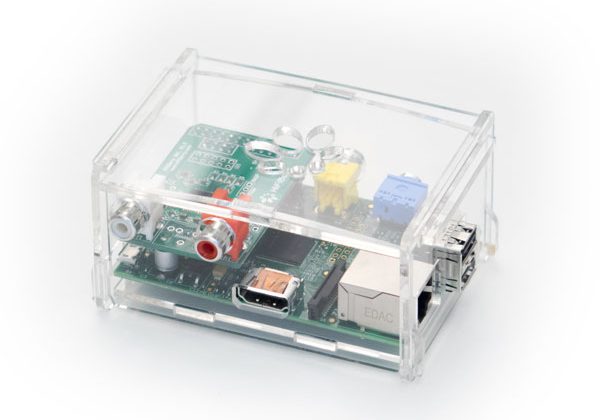
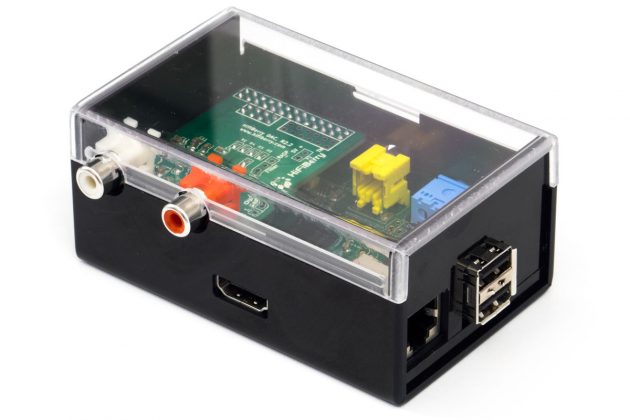
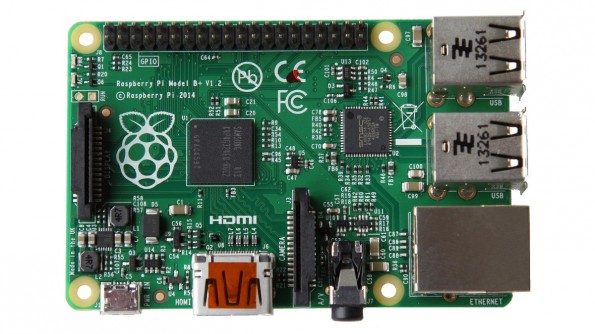
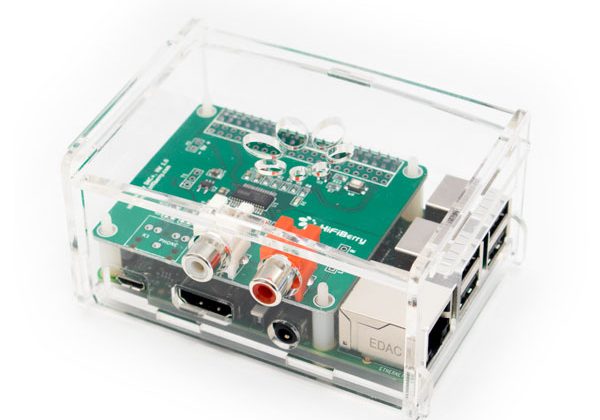
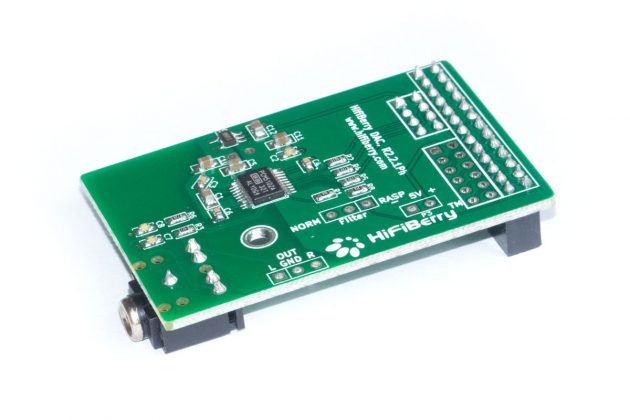
The Raspberry Pi 3 Model B+ with 1GB RAM remains a capable platform for many embedded applications. It runs the same Linux software, supports the same audio bus for HiFiBerry sound cards, and handles networking, GPIO, and audio playback without breaking a sweat.
For commercial deployments, the Pi 3 has another advantage: supply chain maturity. It’s been in production for years, availability is stable, and pricing is predictable — exactly what you want for a product you’ll be shipping for the next three to five years.
When you do need more
Not every project can run lean. If you’re doing on-device machine learning, running multiple concurrent audio streams with DSP processing, or hosting a local web application with a database, you’ll want 2GB or more. Video-related workloads and anything involving a browser or GUI also benefit from extra RAM.
The key is making this a deliberate choice based on measured requirements, not a default assumption. Spec what you need, not what sounds impressive.
For projects with higher requirements — a large local database, a browser-based user interface, or significant compute load — a Raspberry Pi 4 or Pi 5 with 4GB or 8GB of RAM is probably still the better choice, even if it costs more. The point is not to always go cheap, but to make the decision deliberately.
The bottom line
RAM prices are rising and likely won’t come back down soon. For budget-conscious commercial projects, right-sizing your hardware isn’t just good engineering — it’s good business. A Pi 3 with 1GB at a lower price point might be exactly the right choice for your next deployment.
Test your workload, measure your usage, and pick the board that fits. Your margins will thank you.
February 19, 2026