Blog
SD Card vs. USB-3 Stick vs. eMMC vs. NVMe: Which Storage is Right for Your HiFiBerry?
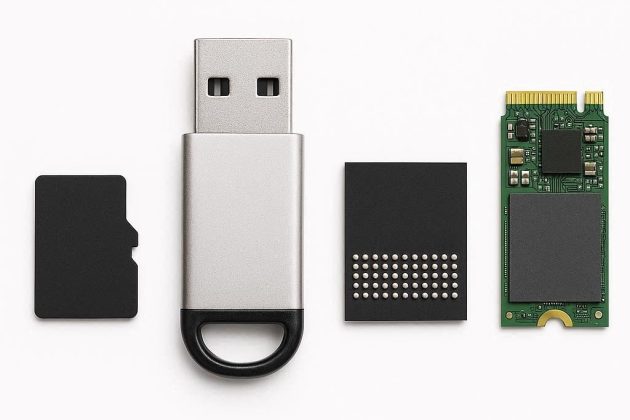
If you’re setting up a HiFiBerry system, one of the first questions you’ll face is: what do I put the operating system on? The Raspberry Pi supports several storage options, and the differences matter — not just for speed, but for reliability and longevity in a device that runs 24/7.
Here’s a practical comparison of the four most common options.
You Don’t Have to Jump Straight to NVMe
A common assumption: if the SD card isn’t good enough, the next step is an NVMe SSD. It’s understandable — NVMe gets a lot of attention, and the performance numbers are impressive. But for most HiFiBerry setups, going straight from SD card to NVMe is like replacing a bicycle tyre and deciding to buy a sports car instead.
There are solid in-between options that hit a much better sweet spot. A quality USB-3 stick or eMMC module will solve the reliability problems of an SD card without the added cost and complexity of an NVMe setup. For a device that mostly plays music and sits quietly in a corner, that’s often all you need.
NVMe is genuinely excellent — but it’s the right answer for a specific situation, not a universal upgrade. Read on to find what actually fits your use case.
SD Card
The SD card is the classic Raspberry Pi storage medium. Every Pi supports it, it’s cheap, and it’s easy to swap out. But it comes with a significant downside: SD cards are not designed for the constant small writes that a running operating system generates. Over time, this causes wear, and SD cards are notorious for failing — often silently, corrupting the filesystem rather than throwing a clean error.
For a music player that runs continuously, an SD card is the least reliable option in its default configuration. That said, there is a way to make SD cards significantly more durable: minimize write operations. If the operating system is designed to write as little as possible to the card — keeping logs in memory, mounting the filesystem read-only, or ideally running the entire OS from RAM — the SD card essentially becomes a read-only medium after boot. Wear drops dramatically, and an SD card in this configuration can be reliable enough even for business installations.
A high-quality A2-rated SD card (designed for random I/O) will also last considerably longer than a cheap one, regardless of the software approach.
- Speed: Slow to moderate (random write is the bottleneck)
- Reliability: Low by default — but significantly improved when write operations are minimized
- Cost: Under €10 for a basic setup, up to €20 for a larger high-endurance model
- Best for: Getting started, testing, low-budget setups — and with a RAM-based OS, even business installations
USB-3 Stick
A USB-3 flash drive is a meaningful step up from an SD card. Modern USB-3 sticks can be significantly faster, and many use higher-endurance NAND flash. The Raspberry Pi 4 and 5 can boot directly from USB, making this a straightforward upgrade from an SD card setup.
One often-overlooked advantage: USB sticks are user-replaceable. Even in a commercial system running 24/7, if the storage fails, the end user can swap in a new stick themselves — no tools, no service call. For deployments where field-serviceability matters, that’s a genuine benefit that eMMC and NVMe can’t match.
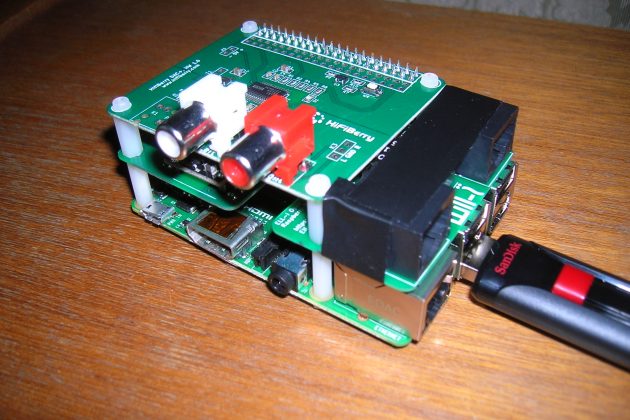
The catch: quality varies wildly. Cheap USB sticks use the same low-grade flash as cheap SD cards. Stick to reputable brands and look for sticks marketed for “high endurance” or “industrial” use. A good USB-3 stick from a brand like SanDisk or Samsung will serve you well. A no-name stick from a bargain bin may not.
- Speed: Moderate to fast (USB-3 bandwidth is not the bottleneck for OS use)
- Reliability: Moderate — depends heavily on quality
- Cost: Around €15–20 for 32–64 GB, or ~€35 for 128 GB
- Best for: A reliable upgrade over SD, including commercial 24/7 deployments where user-replaceable storage is an advantage
eMMC
eMMC (embedded MultiMediaCard) is soldered directly onto the board, which means it requires a dedicated base board rather than a standard Raspberry Pi. The CM5 is available with built-in eMMC; the premium over the Lite (no eMMC) version is roughly €10–50 depending on capacity. There are carrier boards available with a standard 40-pin GPIO header that accept HiFiBerry add-on boards directly, making the combination a drop-in replacement for a standard Pi setup. For business customers with specific requirements, we also provide custom designs built around eMMC.
Compared to SD cards, eMMC uses better controllers, higher-endurance flash, and tighter integration. The result is faster and more reliable storage that behaves consistently over time — well suited for systems that need to run unattended for years.
The trade-off is that eMMC is not user-replaceable, and capacity is typically more limited than what you can get on a USB stick or NVMe drive.
- Speed: Good — faster and more consistent than SD or USB
- Reliability: High — purpose-built for embedded use
- Cost: ~€30–100 on top of the base CM5 Lite price (eMMC premium + carrier board)
- Best for: Commercial and industrial deployments requiring long-term reliability without user intervention
NVMe
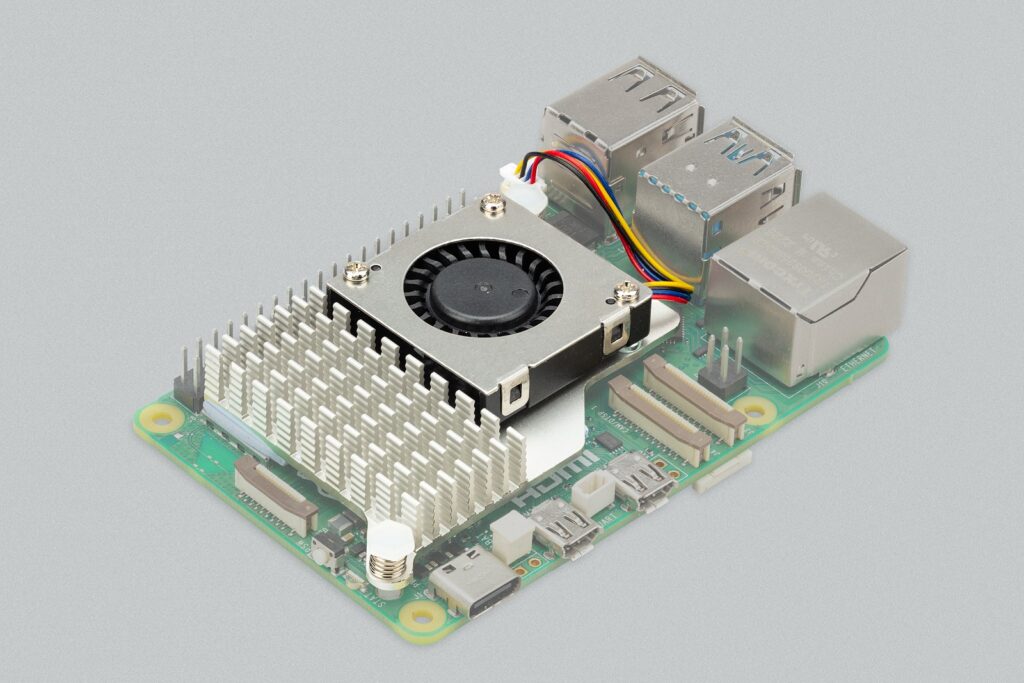
NVMe drives are the fastest option available for the Raspberry Pi 5, which added a PCIe connector for exactly this purpose. Adding an NVMe card gives you SSD-level performance on a Pi — but there’s a practical catch: depending on the card and case you choose, the NVMe card can physically interfere with the 40-pin GPIO header, which is where your HiFiBerry board connects. It’s worth checking clearance carefully before committing to a setup.
For this reason, the Compute Module is often the better platform for NVMe builds. A Compute Module carrier board with a 40-pin header gives you both the PCIe slot for NVMe and clean access for the HiFiBerry board, without the physical conflict. For business customers with specific requirements, we can provide custom NVMe solutions tailored to your hardware and use case.
For most HiFiBerry use cases, however, NVMe is overkill. A music player doesn’t generate high I/O load, and the OS footprint is small. NVMe makes sense in specific situations: systems with very high I/O demand, deployments requiring large storage capacity on the system drive, or applications with an extreme number of writes that would wear out flash-based storage faster. Outside of those scenarios, the added cost and hardware complexity isn’t justified.
- Speed: Excellent — fastest option available
- Reliability: Excellent — built for sustained heavy workloads
- Cost: NVMe cards start at ~€35 for small drives, rising to several hundred euros for large capacities; add €10–25 for an NVMe HAT on Pi 5, or €30–60 for a suitable carrier board on Compute Module
- Best for: High I/O workloads, large capacity requirements, or extreme write-intensive applications — ideally on a Compute Module platform
So, Which Should You Choose?
| Storage | Speed | Reliability | Cost |
|---|---|---|---|
| SD Card | Low | Low (higher with minimal writes) | <€10–20 |
| USB-3 Stick | Moderate | Moderate | €15–35 |
| eMMC | Good | High | €30–100 extra |
| NVMe | Excellent | Excellent | €45+ |
For most users just getting started, a quality USB-3 stick is the sweet spot — it’s cheap, easy, and a meaningful step up from SD, with the added bonus of being field-replaceable. For commercial deployments where long-term reliability and no user intervention are the priority, eMMC on a dedicated base board is the right answer. NVMe is reserved for the rare cases where you genuinely need the extra performance, capacity, or write endurance.
Whatever you choose, avoid the very cheapest options. Storage is the component most likely to cause a silent failure in a long-running system — it’s not the place to save a few euros.
March 20, 2026