Blog
TechTalk: Choose the Right Clocking for Your MPX Setup
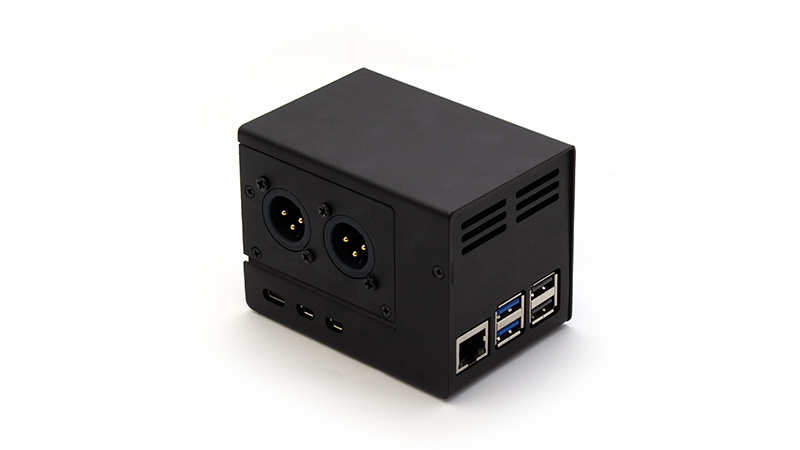
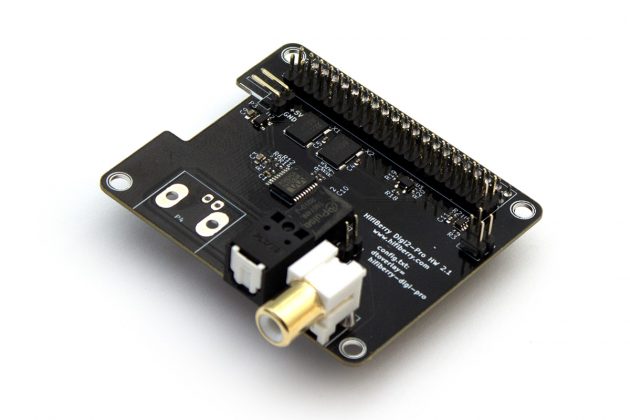
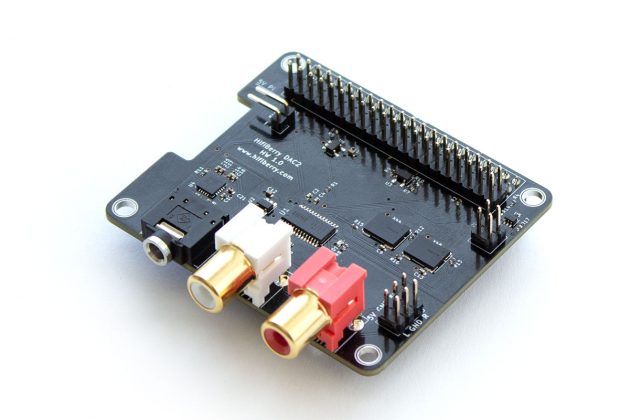
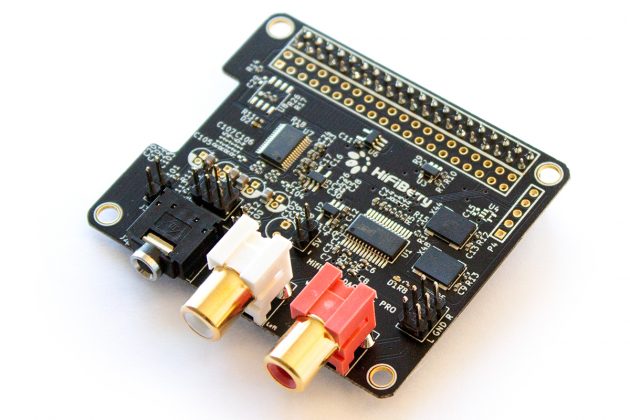
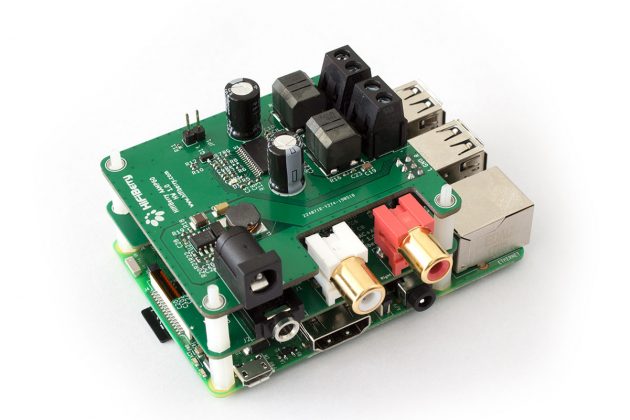
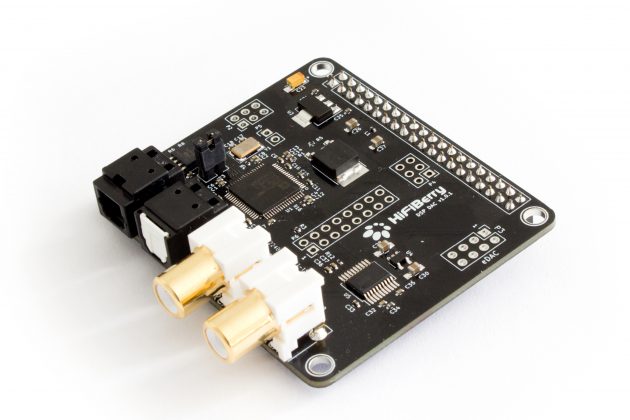
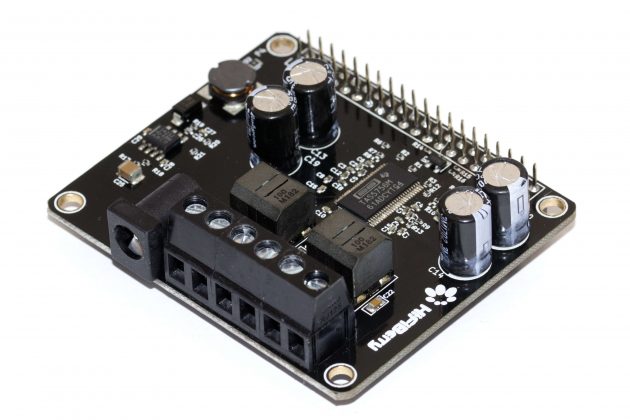
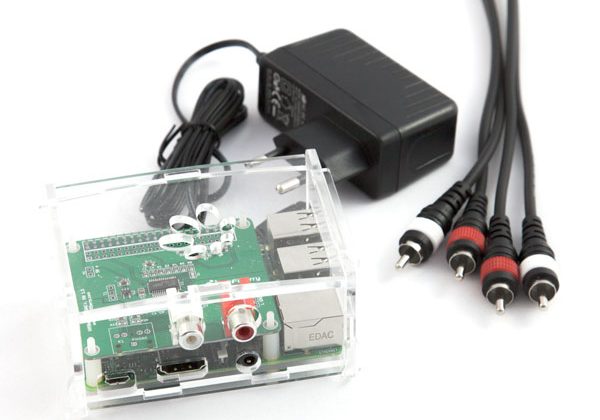
A HiFiBerry customer recently shared detailed measurements from a professional FM broadcast setup using our DAC2 Pro for MPX (multiplex) streaming. We’re documenting the findings here to help others get the best results from their setup.
Background
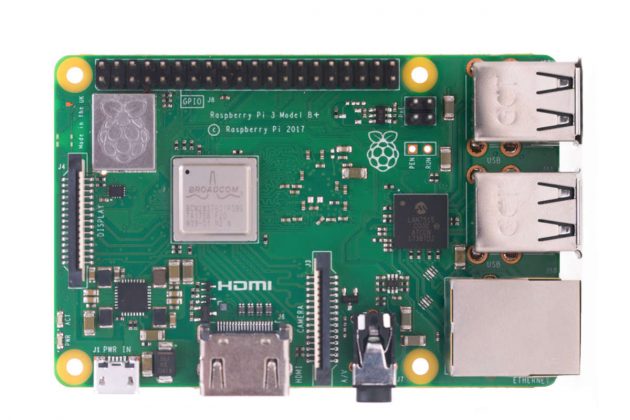
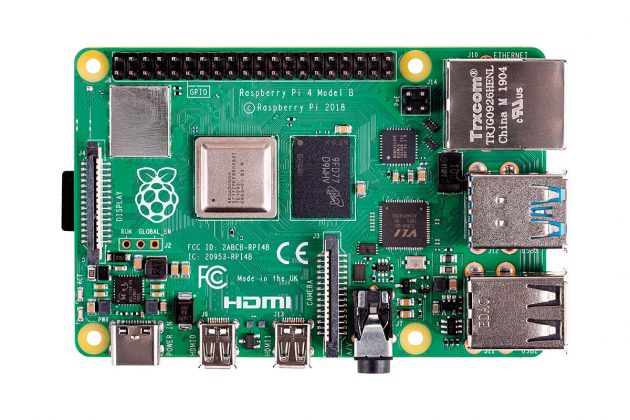
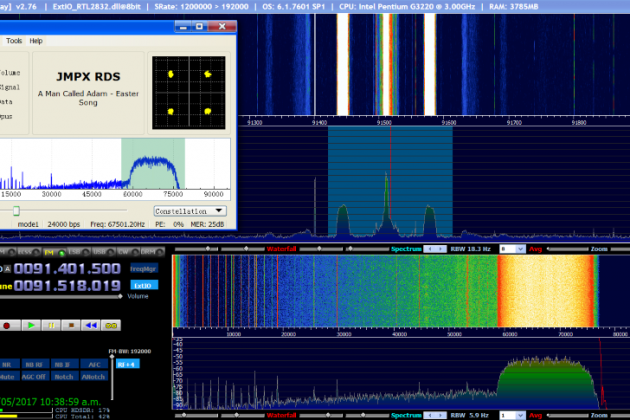
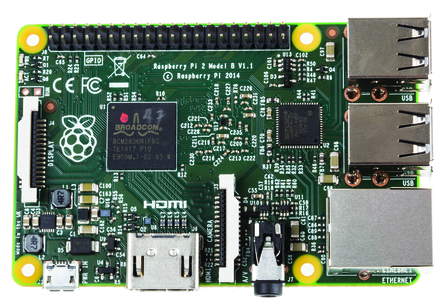
Running a Raspberry Pi with a HiFiBerry DAC as an MPX decoder or encoder has become a popular setup in FM broadcasting. Tools like Thimeo’s StereoTool and MicroMPX make it straightforward — there are even ready-to-go Raspberry Pi images available that come pre-configured with a HiFiBerry sound card.
If you’re not familiar with how audio clocking works on our boards, we recommend reading our earlier TechTalk on audio clocks first: TechTalk: Audio Clocks.
The Problem
In FM broadcasting, the stability of the 19 kHz stereo pilot tone is critical. Even small frequency offsets can cause issues with receivers and may violate broadcast regulations.
Our customer measured pilot tone stability using a Rohde & Schwarz ETL RF analyzer and documented the effect of the DAC’s clock configuration depending on where the MPX signal is generated.
Two Clocking Modes
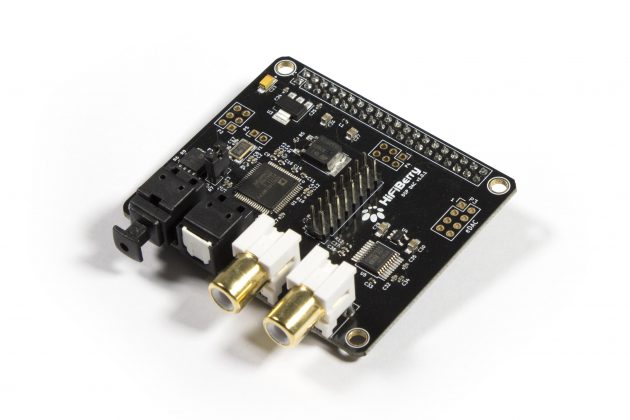
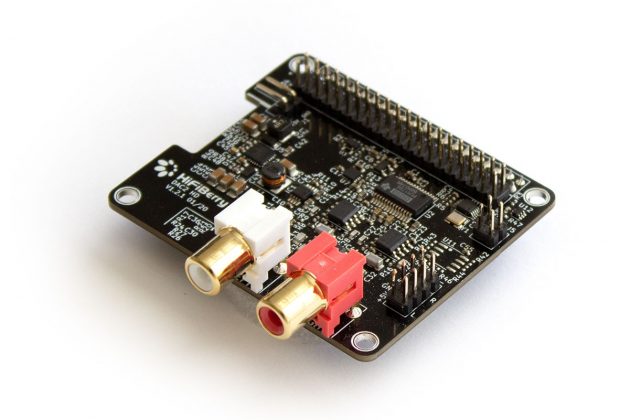
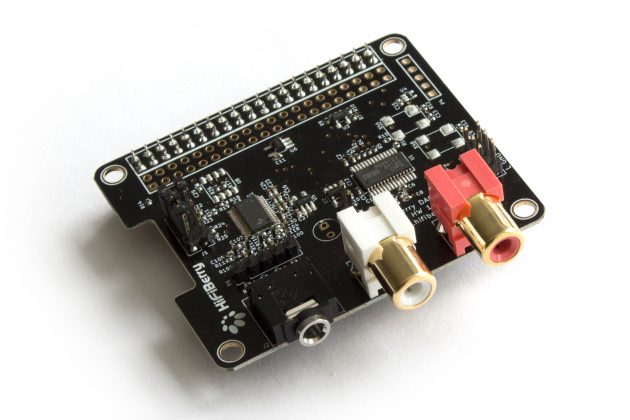
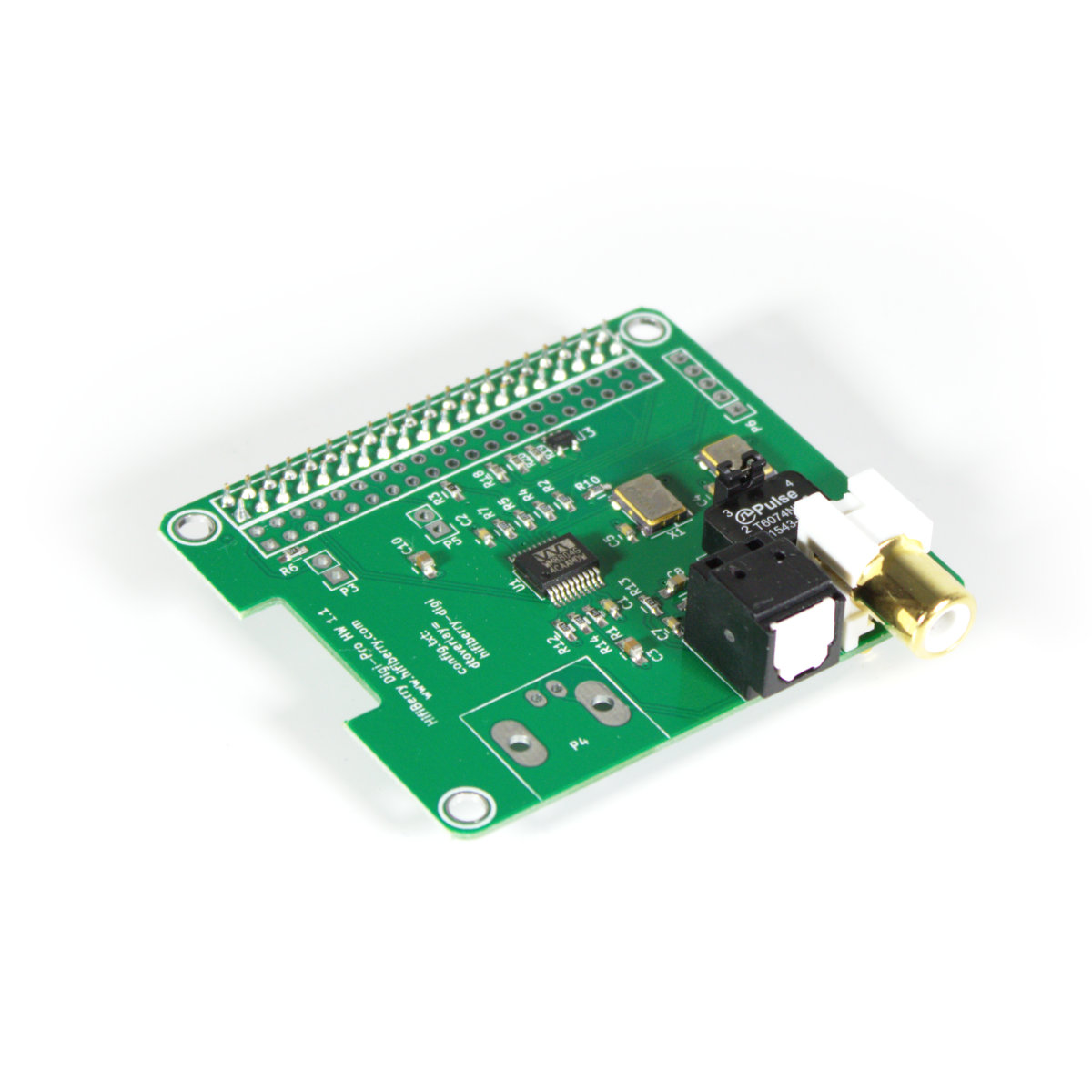
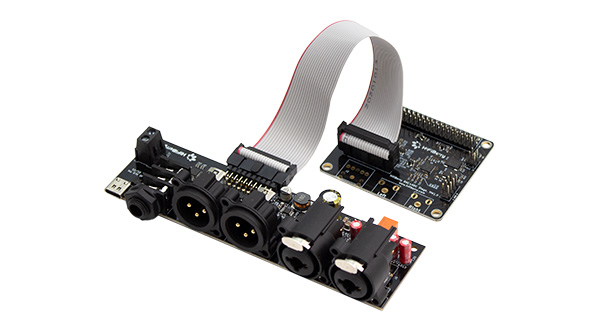
The HiFiBerry DAC2 Pro features a dual-domain clock circuit with its own high-precision oscillators. By default, it operates in master mode, where these onboard oscillators drive the audio timing. This delivers the best possible clock quality and lowest jitter.
However, the DAC2 Pro can also be switched to slave mode, where it follows the Raspberry Pi’s I2S clock instead. The Pi’s clocks have more jitter, but in some scenarios — particularly when receiving externally clocked audio streams — this can be the better fit for your use case.
On kernels 6.1.77 and later, you select the mode via the device tree overlay:
- dtoverlay=hifiberry-dacplus-pro — Master mode. The DAC2 Pro uses its own dual-domain clock circuit. This is the default.
- dtoverlay=hifiberry-dacplus-std — Slave mode. The DAC2 Pro follows the Raspberry Pi’s I2S clock.
The Measurements
| Clocking Mode | Local 19 kHz generation | Streaming MPX (remote encoder) |
|---|---|---|
| Master (dacplus-pro) | 0.10 – 0.11 Hz offset | 4 – 6 Hz drift |
| Slave (dacplus-std) | ~1.0 – 1.2 Hz offset | ~1.0 – 1.2 Hz offset |
What’s Happening
When the MPX signal is generated locally on the Pi (e.g., StereoTool running on the same device), the DAC2 Pro’s internal oscillators deliver outstanding stability — the 19 kHz pilot drifts by only 0.1 Hz.
However, when the MPX signal is streamed from a remote encoder, there’s a clock domain conflict. The remote encoder generates the pilot based on its own clock, but the DAC2 Pro’s internal oscillators run independently. The two clocks are not synchronised, causing the pilot to drift by 4-6 Hz — enough to be problematic in a broadcast environment.
Switching to slave mode forces the DAC to follow the stream’s timing, eliminating the clock conflict. The pilot stability improves dramatically.
Which Mode Should You Use?
Use master mode (hifiberry-dacplus-pro) when:
- MPX is generated locally on the Raspberry Pi
- You want the best possible clock precision from the DAC’s own oscillators
- There is no external clock source that the DAC needs to follow
Use slave mode (hifiberry-dacplus-std) when:
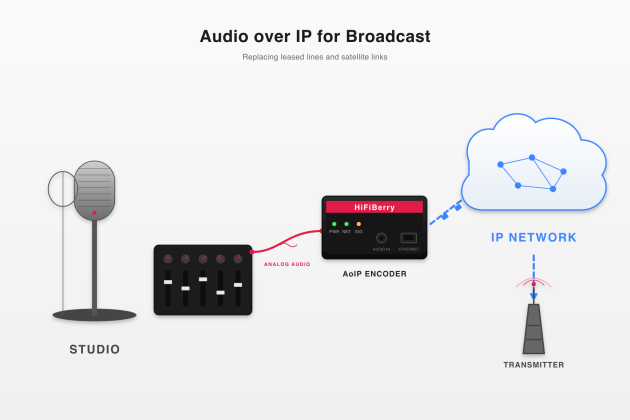
- MPX is streamed from a remote encoder (MicroMPX, STL link, etc.)
- The audio stream carries its own timing reference (e.g., a 19 kHz pilot from the encoder)
- You need the DAC to lock to the incoming stream rather than free-running
How to Change the Mode
Edit /boot/firmware/config.txt (or /boot/config.txt on older systems) and set the appropriate overlay:
# Master mode (local MPX generation):
dtoverlay=hifiberry-dacplus-pro

# Slave mode (streamed MPX):
dtoverlay=hifiberry-dacplus-std
Reboot after making the change. No additional configuration is needed.
Summary
The HiFiBerry DAC2 Pro works well for professional FM broadcast MPX in both clocking modes — the key is matching the mode to your signal chain. If the Pi generates the MPX signal, use master mode for maximum precision. If the MPX comes from an external source, use slave mode to stay synchronised with the stream.
For FM broadcasting, we recommend using 192 kHz sample rate output, which is supported by all DAC2 Pro boards and is needed for full-quality MPX with RDS.
Thanks to our customer for sharing these detailed measurements and helping the broadcast community get the most out of their HiFiBerry setup.
May 21, 2026